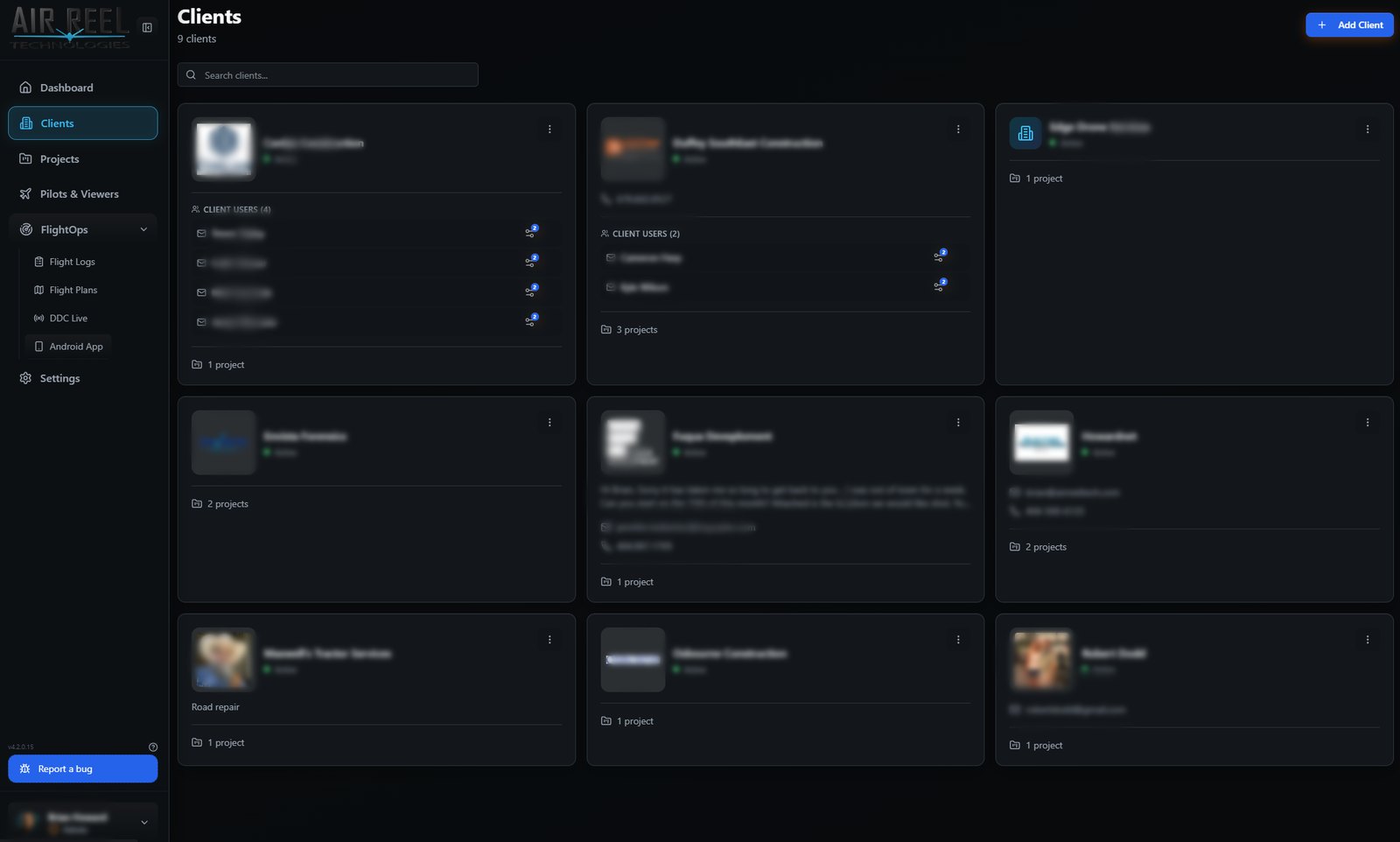
Today, this week and every client on one screen.
The dashboard shows what is flying next and whether the weather allows it. Clients and projects keep the work, the people and the deliverables connected.
What is flying, where, and is it flyable.
Totals for projects, clients, flight logs, scheduled flights, media files and storage sit across the top. Upcoming flights carry a weather summary and a go / no-go rating, with a three-day forecast for the next site.
- Projects, clients, flights, media and storage totals
- Upcoming flights with weather and a Good to Fly / Poor rating
- Three-day forecast for the next site
- Map of every project location
- Recent flight logs and recent projects
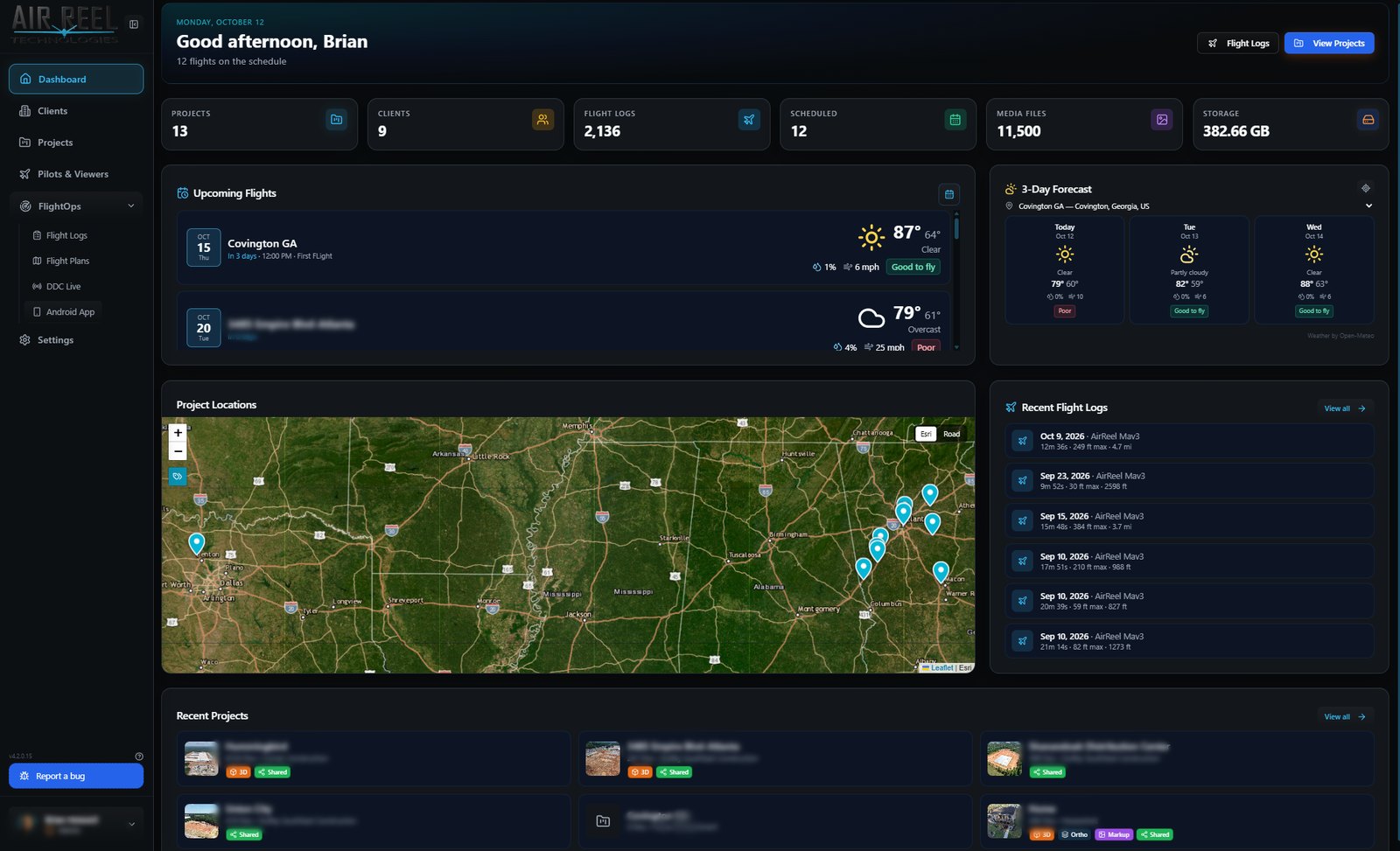
Every site, its client and its status.
Project cards show the latest capture, sharing and 3D badges, visit frequency, file counts and the client, so the whole portfolio can be scanned at a glance. Search and filter, or switch between grid and list.
- Grid and list views with search and filters
- 3D and Shared badges on each project
- Visit frequency and counts at a glance
- Client linked to every project
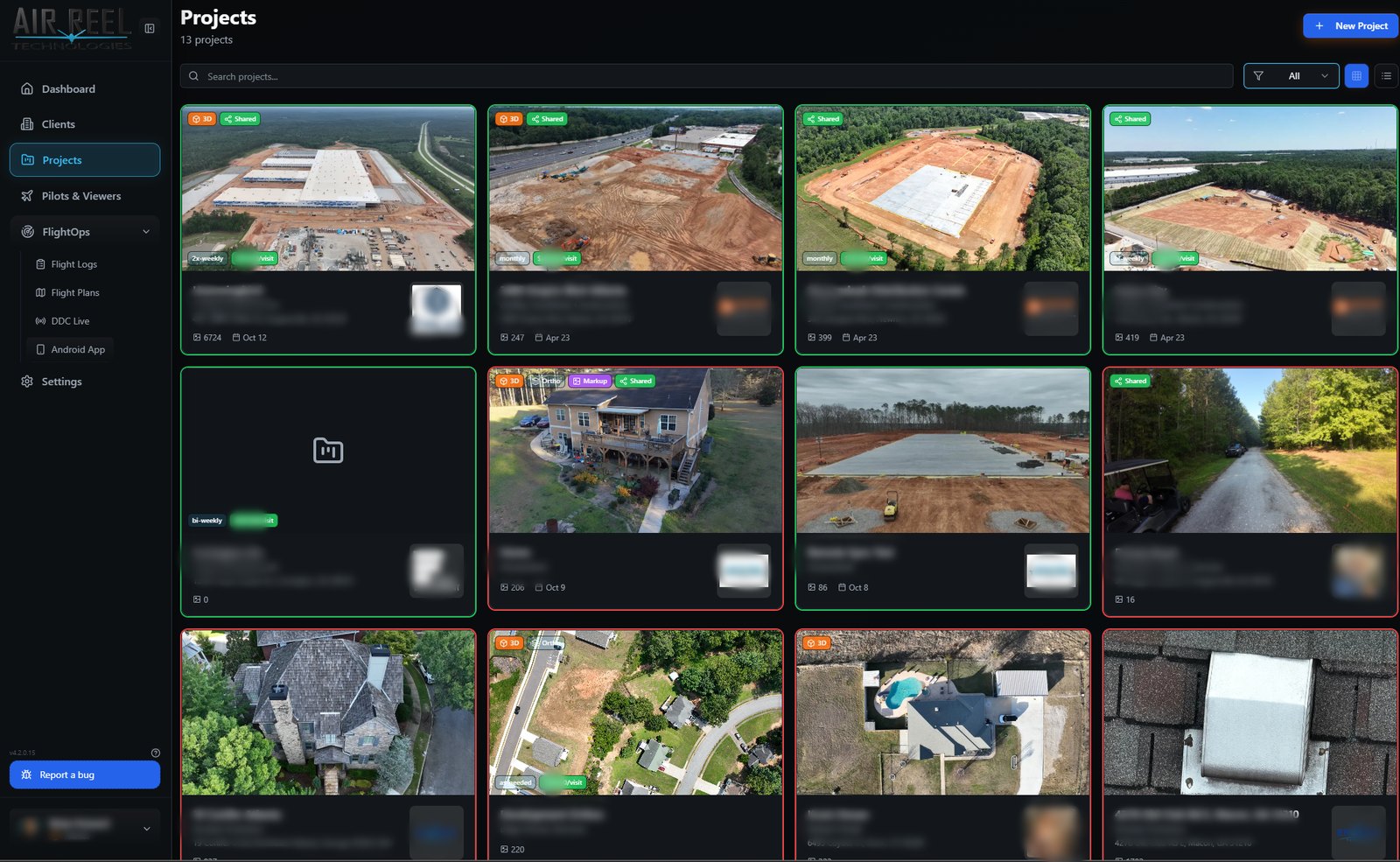
Every client, their people and their work.
Each client has a card with their contacts, the users who can sign in to their portal, notes, and the number of projects. Clients only ever see the projects assigned to them.
- Contact details and notes per client
- Client users with portal access
- Project count per client
- Role-based access for pilots, viewers and admins