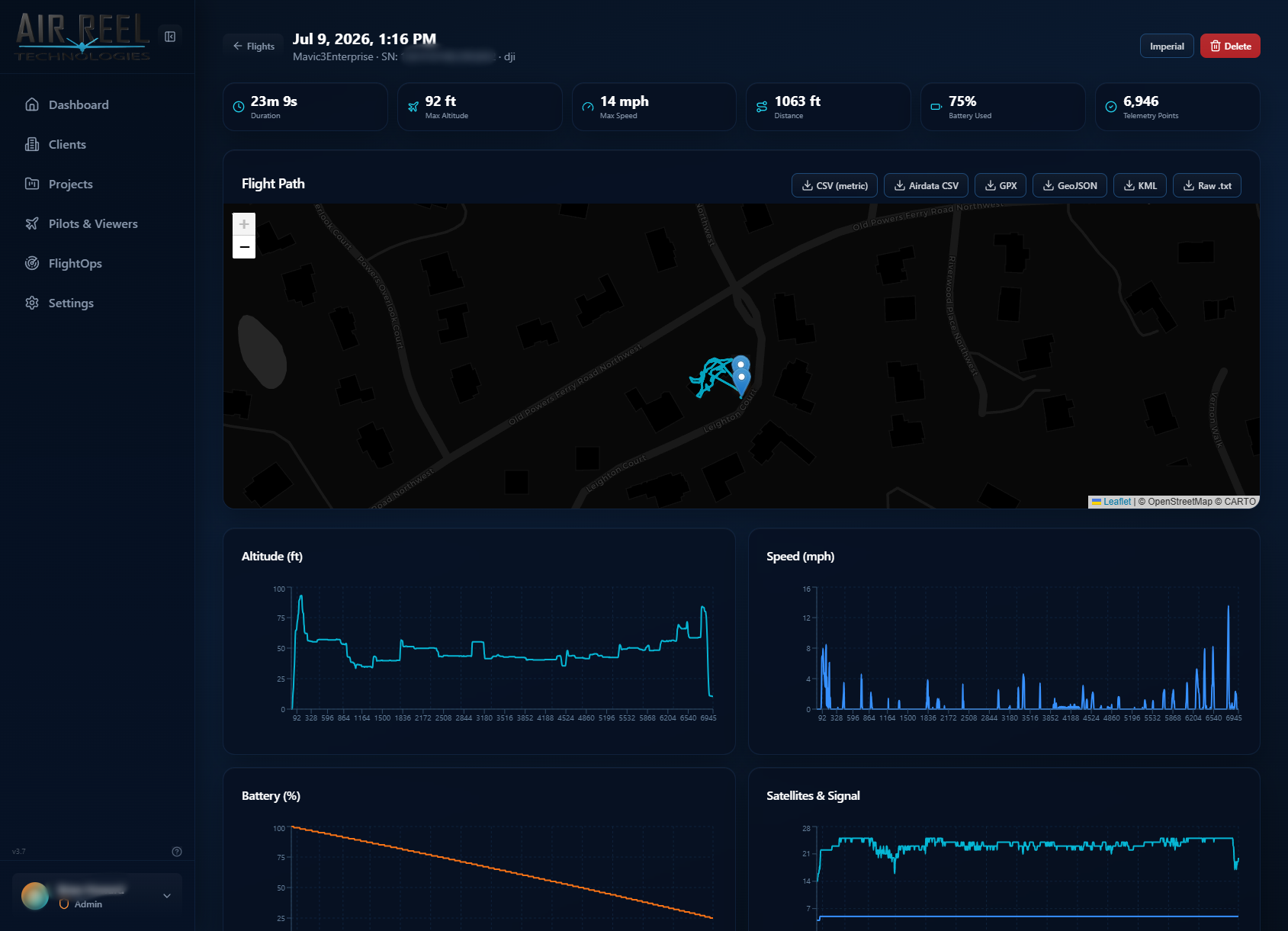
Path plus the numbers behind it
Flight detail places the route beside altitude, speed and battery charts so the operating record is more than a date and duration.
- Flight path
- Altitude chart
- Speed chart
- Battery chart
Import DJI flight records, parse telemetry, review sorties on an interactive map, inspect flight charts, tie equipment to encrypted logs and match media back to the flight and pilot that captured it.
The map-centric flight list can be filtered by pilot, aircraft and date. Open a flight for the path, telemetry charts and equipment context behind the sortie.
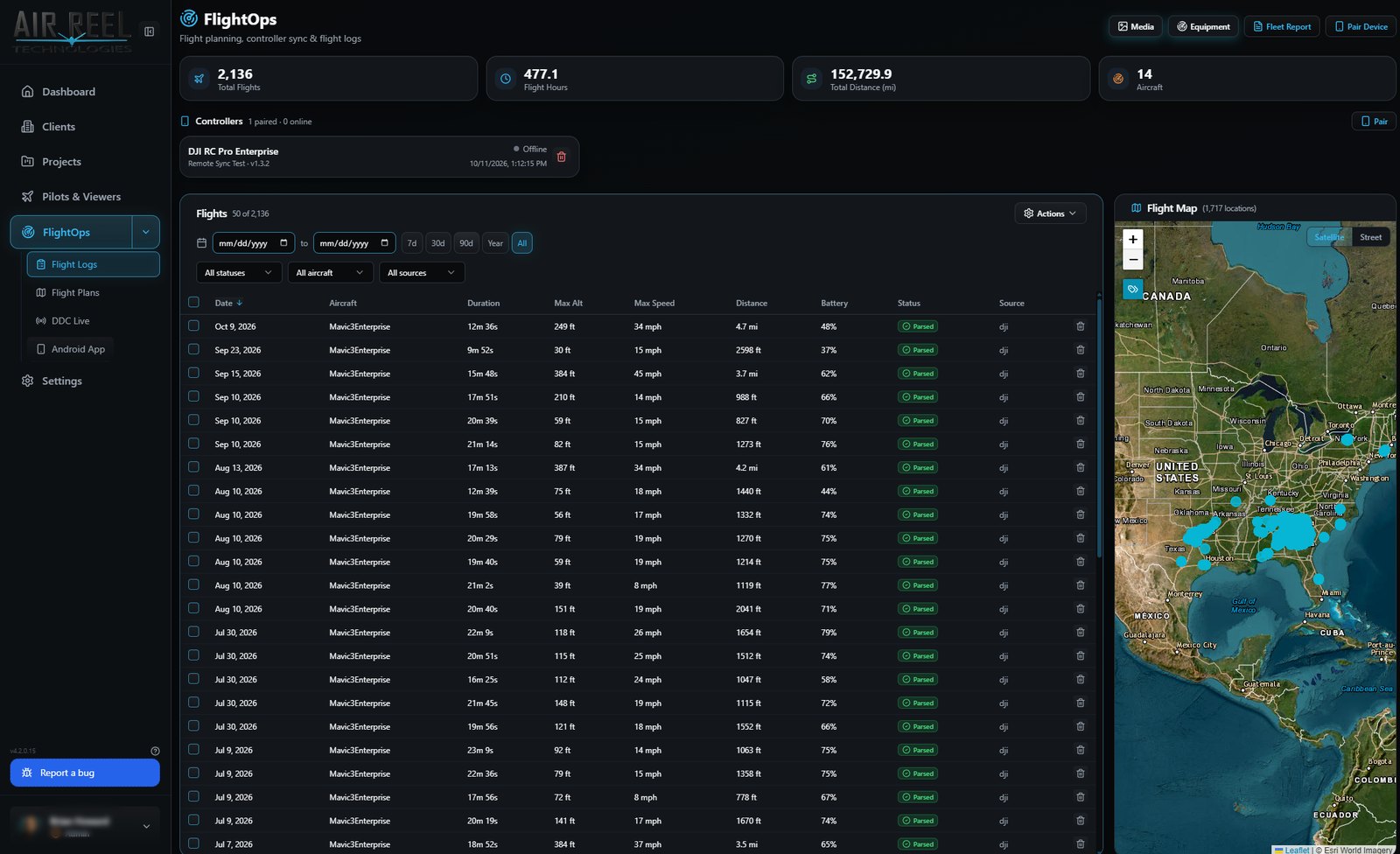
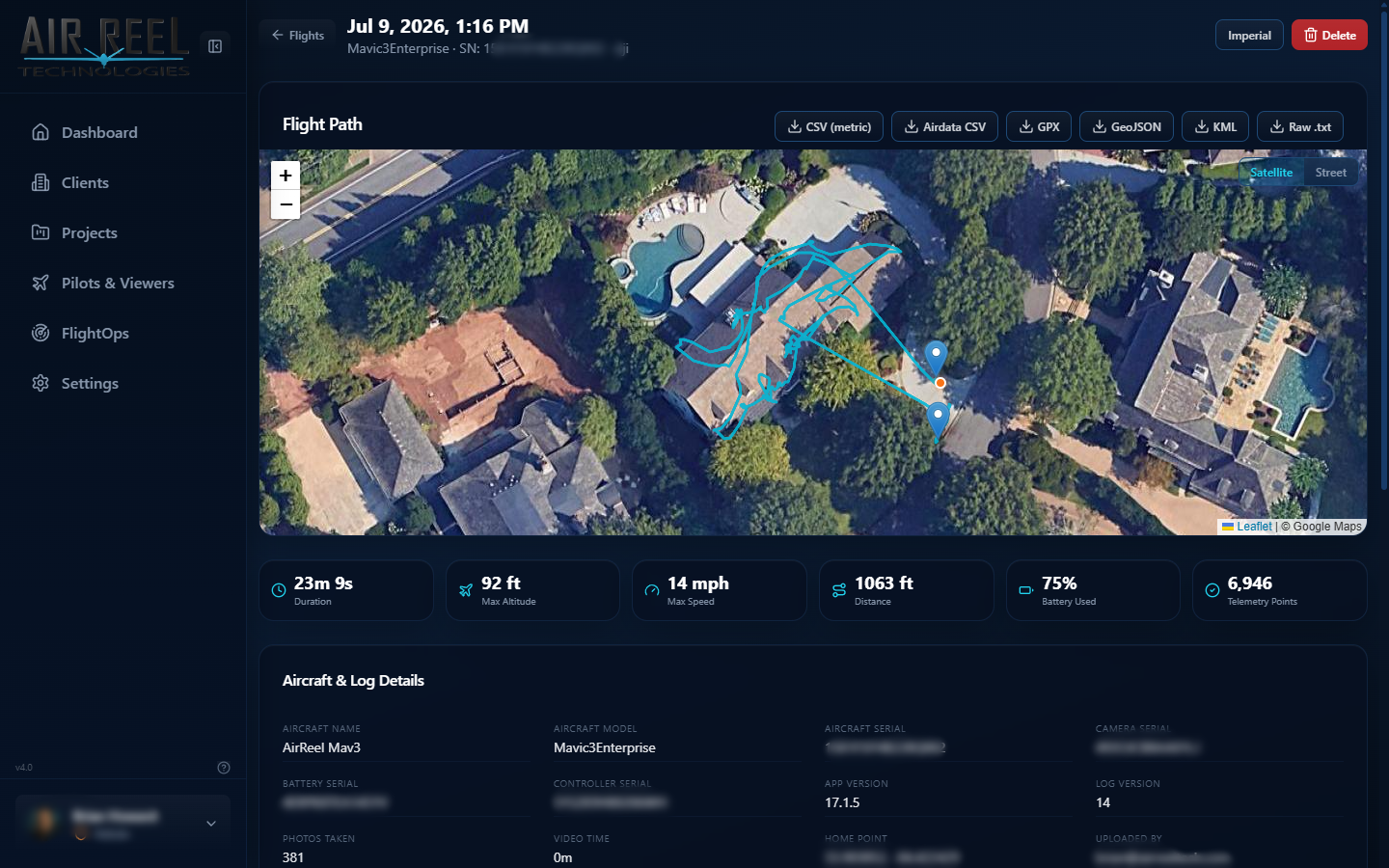
Flight detail places the route beside altitude, speed and battery charts so the operating record is more than a date and duration.
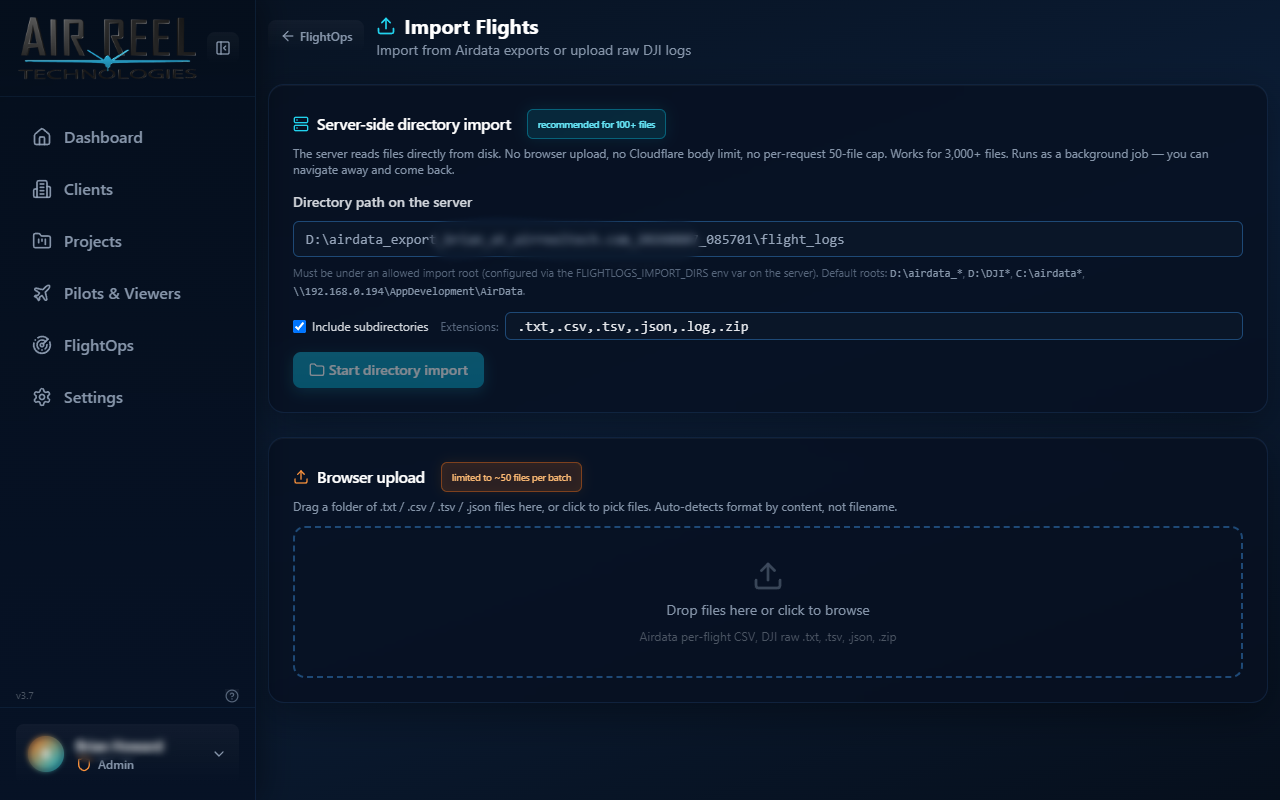
FlightOps includes DJI flight-log import with server-side processing. Imported records can feed the map, telemetry review and media matching workflow.
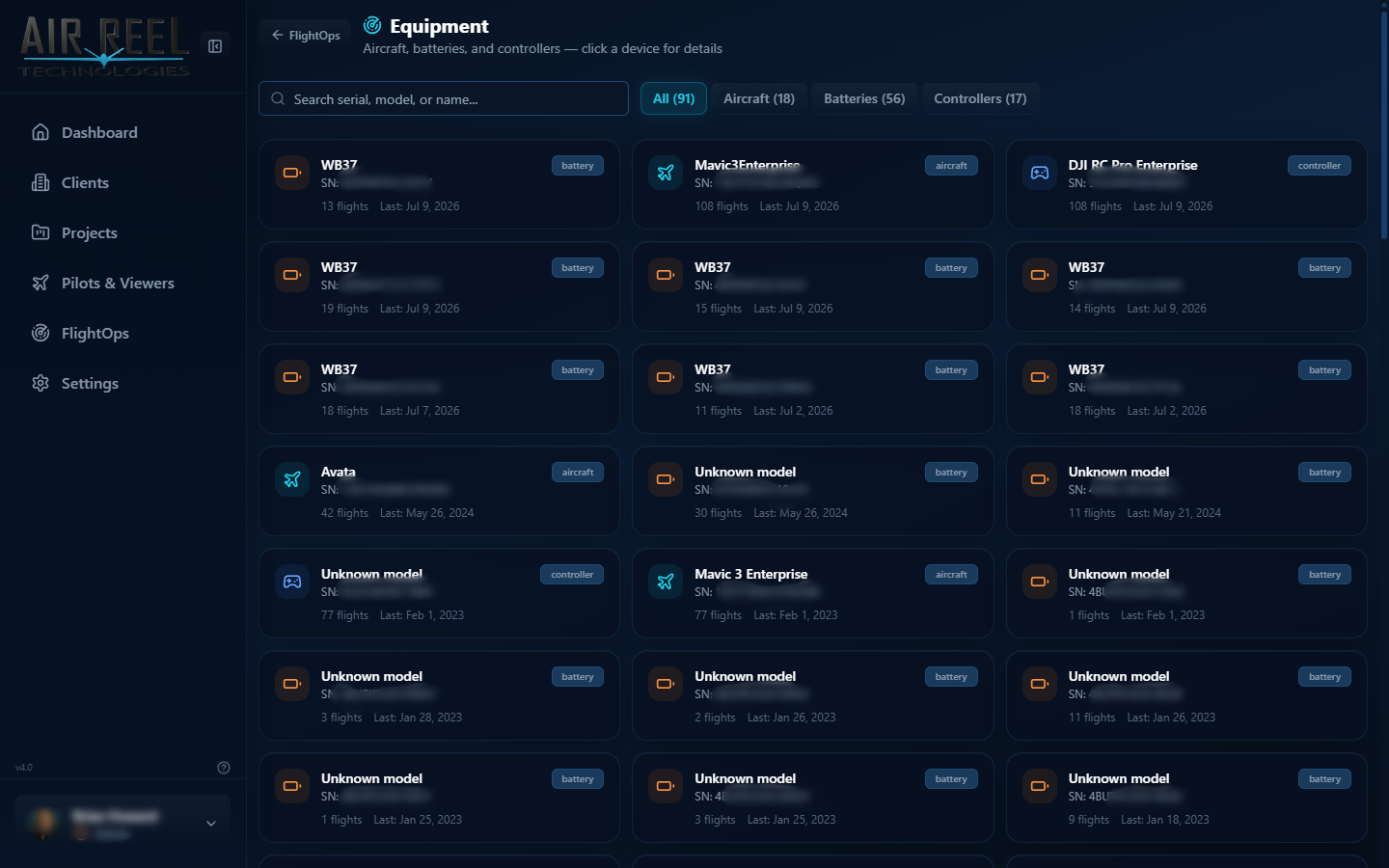
Track aircraft and batteries as equipment. Pair gear into a keychain so encrypted DJI flight logs can decrypt against the right serials, and keep fleet identity tied into FlightOps.
Match media to the flight and pilot that captured it instead of treating EXIF, flight logs and the project as unrelated records.
Flight telemetry is presented as part of the flight record so location and performance context remain visible when reviewing the mission.